
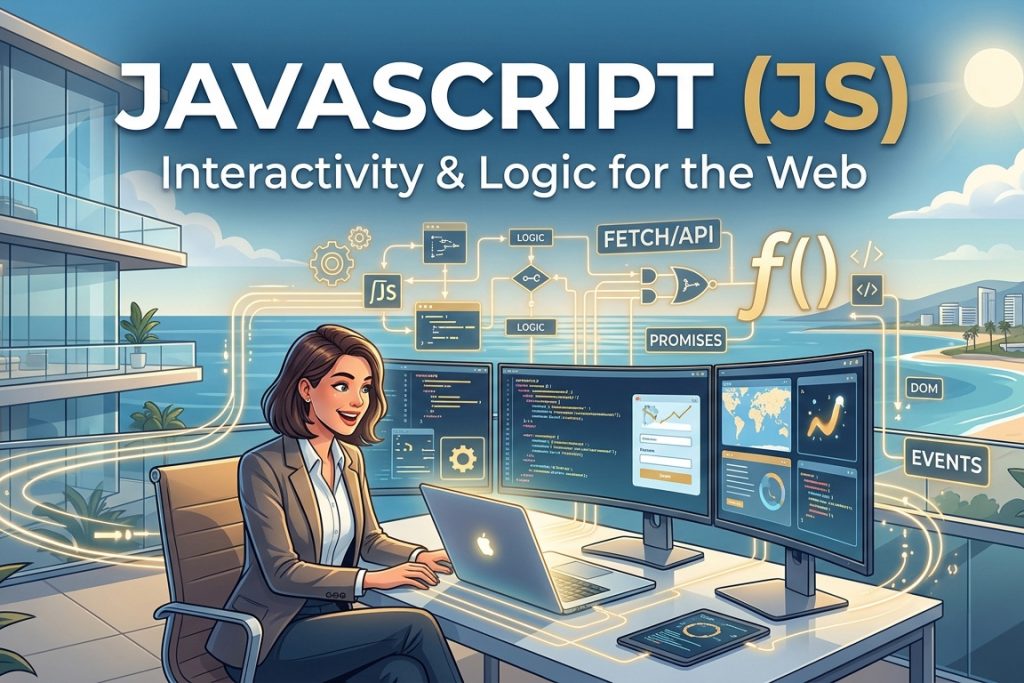
In the ecosystem of modern web development, if HTML is the structural backbone and CSS is the visual attire, JavaScript (JS) is the nervous system. It is the powerhouse language that transforms static, flat documents into dynamic, interactive, and highly engaging user experiences.
Every time a web page does more than just sit there and look pretty—whether it’s updating content in real-time, displaying interactive maps, animating graphics, or handling complex form validations—you can be certain JavaScript is working behind the scenes. Alongside HTML and CSS, JavaScript forms the triad of core technologies that power the World Wide Web.
A Brief History of JavaScript
JavaScript was created in 1995 by Brendan Eich while working at Netscape Communications. Remarkably, the initial version was developed in just ten days under the name Mocha, later changed to LiveScript, and ultimately renamed JavaScript to capitalize on the popularity of Java at the time (though they are entirely different languages).
In 1997, JavaScript was submitted to ECMA International to carve out a standard specification, resulting in ECMAScript (ES). Today, JavaScript has evolved far beyond its humble browser origins. With the advent of environments like Node.js, JS is now heavily used for server-side development, mobile app creation, desktop software, and cloud computing.
Basic Concepts of JavaScript
Unlike HTML and CSS, JavaScript is a fully-fledged, multi-paradigm programming language. Understanding its core components is essential to unlocking its potential.
1. Variables and Data Types
Variables are used to store data that your program can manipulate. In modern JavaScript, we use let (for variables that can change) and const (for constants that stay the same).
JavaScript
const studioName = "We Design Marbella"; // String
let activeProjects = 5;                  // Number
let isOpen = true;                        // Boolean
2. Functions
Functions are reusable blocks of code designed to perform a specific task. They take inputs (parameters), execute logic, and return an output.
JavaScript
function greetClient(name) {
    return "Welcome to " + studioName + ", " + name + "!";
}
console.log(greetClient("Alex"));
// Output: Welcome to We Design Marbella, Alex!
3. DOM Manipulation (Document Object Model)
The DOM is the programming interface for web documents. JavaScript uses it to connect to HTML elements, allowing you to alter structures, content, styles, and data on the fly.
JavaScript
// Target an HTML element by its class and change its text content
const mainHeading = document.querySelector('.main-title');
mainHeading.textContent = "Crafting Modern WordPress Sites";

// Dynamically alter CSS styling
mainHeading.style.color = "#007BFF";
4. Event Listeners
Event listeners are what make a page interactive. They “listen” for user actions like clicks, scrolls, keypresses, or form submissions, and execute a script in response.
JavaScript
const button = document.querySelector('#submit-btn');

button.addEventListener('click', function() {
    alert('Thank you for contacting us!');
});
Advanced Features of JavaScript
As websites transition into fully functioning web applications, JavaScript offers powerful tools to handle complex logic seamlessly.
- Asynchronous JavaScript (Fetch API & Promises): Web applications frequently need to load data from external servers without forcing the user to reload the entire web page. Using
fetch, JavaScript can handle API requests asynchronously, keeping the user experience smooth and uninterrupted. - Arrow Functions & Modern Syntax (ES6+): Introduced in 2015, ECMAScript 6 brought clean syntax upgrades like arrow functions (
() => {}), template literals (`${variable}`), and destructuring, which significantly reduce boilerplate code. - Array Methods: Native methods like
.map(),.filter(), and.reduce()make handling and transforming data sets highly efficient and expressive.
Example: Combining HTML, CSS, and JavaScript
To see how these three fundamental technologies work in perfect harmony, let’s look at a practical, real-world example: an interactive dark-mode toggle switch.
HTML
<!DOCTYPE html>
<html lang="en">
<head>
    <meta charset="UTF-8">
    <meta name="viewport" content="width=device-width, initial-scale=1.0">
    <title>JavaScript Interactivity Example</title>
    <style>
        /* CSS Basics */
        body {
            font-family: Arial, sans-serif;
            background-color: #ffffff;
            color: #333333;
            transition: background-color 0.4s, color 0.4s;
            text-align: center;
            padding: 50px;
        }
        /* Dark Mode Classes */
        body.dark-theme {
            background-color: #1a1a1a;
            color: #ffffff;
        }
        button {
            padding: 10px 20px;
            font-size: 16px;
            cursor: pointer;
            border: none;
            background-color: #007BFF;
            color: white;
            border-radius: 5px;
        }
    </style>
</head>
<body>

    <h1 class="main-title">Hello, World!</h1>
    <p>Click the button below to toggle between Light and Dark mode dynamically using JavaScript.</p>

    <button id="theme-toggle">Toggle Dark Mode</button>

    <script>
        // JavaScript Logic
        const toggleButton = document.getElementById('theme-toggle');

        toggleButton.addEventListener('click', () => {
            // Toggle the dark-theme class on the body tag
            document.body.classList.toggle('dark-theme');
        });
    </script>
</body>
</html>
This example includes:
- HTML Structure: Defines the layout elements (
<h1>,<p>, and<button>). - CSS Presentation: Manages layout spacing and defines the transitions and colors for both default and dark themes.
- JavaScript Interaction: Targets the button, listens for a click event, and dynamically mutates the HTML
<body>class to change themes instantaneously without a page refresh.
Best Practices for Writing Clean JavaScript
- Always Use
constandlet: Avoid using the legacyvarkeyword to prevent scoping issues and unexpected bugs. - Keep Code Modular: Write small, single-purpose functions that are easy to test, debug, and read.
- Minimize DOM Manipulation: Accessing the DOM frequently can slow down performance. Store element references in variables if you plan to reuse them.
- Defer Script Loading: Use the
deferorasyncattributes when linking your external JS files (<script src="script.js" defer></script>) to ensure they do not block the initial rendering of your HTML page.
Conclusion
If HTML builds the house and CSS paints the walls, JavaScript installs the smart automation, the light switches, and the security systems. Understanding JavaScript is the gateway to moving from a layout designer to a true web developer, allowing you to craft experiences that adjust to user needs in real-time.
As the digital landscape evolves toward highly personalized, fast, and responsive user experiences—especially within competitive luxury markets like Marbella—mastering JavaScript and its rich ecosystem of frameworks remains an indispensable skill.
How to Build Your Own Personal Website from Scratch
How to Create a High-Converting Website Homepage in 2026
Building a Creative “Mouth Menu” Navigation
How to Increase Website Engagement with Interactive Content
Beyond the Bloat: How to Build Ultra-Fast, “No-Template” WordPress Sites for High-End Clients
