
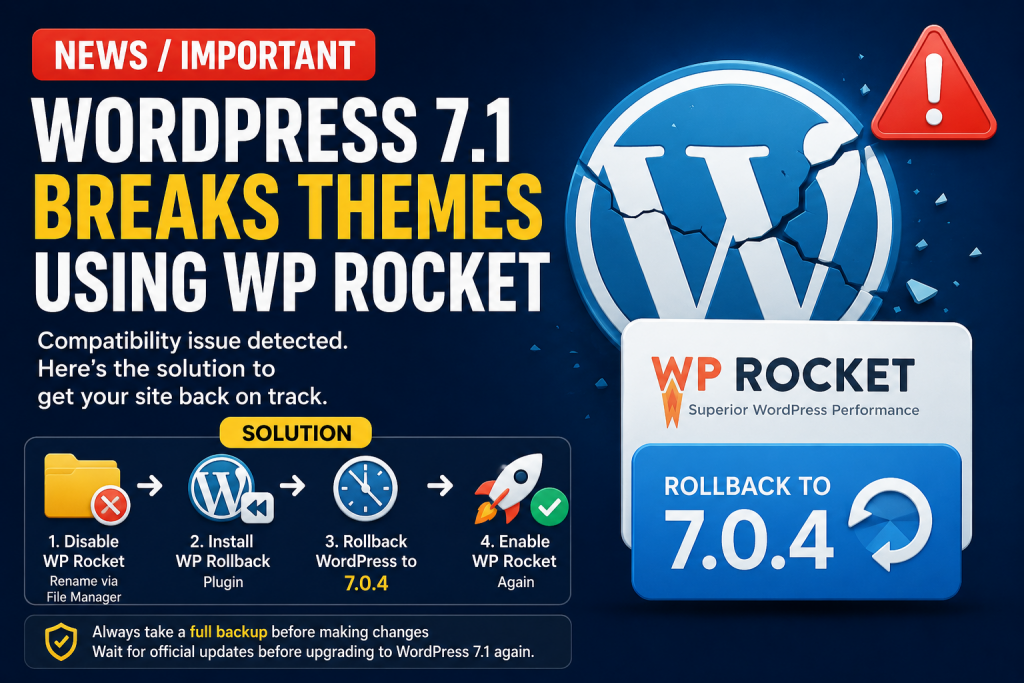
We have identified a compatibility issue between WordPress 7.1 and websites using the WP Rocket plugin. After upgrading to WordPress 7.1, some themes may stop working correctly or the website may experience errors.
Recommended Solution
If your website is affected, follow these steps:
- Access your server through File Manager (or FTP).
- Locate the WP Rocket plugin folder.
- Rename the WP Rocket folder (for example, from
wp-rockettowp-rocket-disabled). This will temporarily disable the plugin. - Log in to your WordPress dashboard.
- Install the WP Rollback plugin.
- Use WP Rollback to downgrade WordPress to version 7.0.4.
- Once WordPress 7.0.4 is restored, return to your server’s File Manager.
- Rename the WP Rocket folder back to its original name.
- Re-enable WP Rocket and check that your website and theme are working normally.
Important
Before making any WordPress version change, we strongly recommend taking a full backup of your website and database.
We also recommend waiting for an official compatibility update from the affected theme/plugin developers before upgrading back to WordPress 7.1.
In short: If WordPress 7.1 causes your WP Rocket-powered website to break, temporarily disable WP Rocket, roll WordPress back to 7.0.4, and then enable WP Rocket again.
